How to Choose the Best AI Task Automation Tools for Location-Based Coordination
Your field team is scattered across job sites, and assigning work through endless WhatsApp threads is eating your afternoons. Many teams hit this wall when their current task tools lack location context, forcing manual check-ins and missed handoffs. By the end of this article, you will know the exact location features to demand from an AI automation tool and which platform ranks as the best overall pick for your coordination needs.
You will also get clear criteria for evaluating GPS tracking, geofencing, and AI-powered task creation against your team's real workflow. We break down five options, including Tasks.Bot's WhatsApp-native approach with live location sharing, so you can decide with confidence instead of guessing. No fluff, just the specifics that matter for field coordination.
What to Look For in AI Task Automation Tools for Location-Based Coordination
When evaluating AI task automation tools for location-based coordination, focus on three critical areas: core location features, AI capabilities, and team accessibility. These pillars determine whether a platform will genuinely streamline your mobile workforce operations or simply add another layer of administrative overhead.
Field teams managing real-time scheduling and location intelligence need tools that balance technical power with everyday usability. The right solution should reduce friction, not create it, while giving dispatchers and managers a clear view of ongoing operations.
The following criteria help assess tools for field service management, delivery logistics, and other location-dependent workflows. Use them as a practical checklist when comparing options, and remember that the best choice depends on your specific team size, industry, and operational complexity.
Core Location Features: GPS Tracking, Geofencing, and Map Views
The backbone of any location-based coordination tool lies in its GPS tracking, geofencing, and map visualization capabilities. These features form the foundation for efficient dispatch and route optimization across your mobile workforce.
GPS tracking should provide real-time location updates with reliable accuracy. Look for tools that refresh positions frequently enough to support live decision-making without draining device batteries excessively. Historical location data is equally valuable for analyzing past performance and improving future scheduling.
Geofencing allows you to define custom boundaries that trigger automated alerts. When a field technician enters or exits a designated area, the system can automatically notify dispatchers, update task statuses, or send confirmations to customers. This capability proves especially useful for arrival notifications, safety compliance, and tracking vehicle or personnel movements across job sites.
Map views should offer intuitive visualization of team locations alongside current task assignments. Consider these key features when evaluating map functionality:
- Color-coded markers that distinguish available, busy, and off-duty staff
- Cluster views for managing large teams across dense geographic areas
- Layer controls that display geofences, routes, and customer locations
- Time zone handling for teams operating across multiple regions
In field service management, these capabilities enable dispatchers to assign the nearest available technician to urgent requests. Route optimization tools then suggest the most efficient paths, reducing travel time and fuel costs while improving response times for customers.
AI Capabilities: Natural Language Task Creation and Smart Assignment
AI capabilities transform task creation and assignment from manual effort to intelligent automation. Natural language processing allows users to create tasks through voice or text in plain language, eliminating the need to navigate complex forms or remember specific command syntax.
A field manager might simply say or type "Schedule a plumbing inspection at 123 Oak Street tomorrow morning" and the system interprets the request, extracts the relevant details, and creates a properly formatted task. This approach significantly reduces administrative burden and speeds up the workflow automation process.
Machine learning powers smart assignment based on location, skills, and current workload. The system analyzes each team member's proximity to the job site, their certifications or expertise, and their existing schedule to recommend the optimal person for each task. This intelligent matching improves resource allocation and ensures jobs go to the most qualified available staff.
Predictive analytics add another layer of intelligence by forecasting task completion times. Rather than relying on rough estimates, the system learns from historical data about how long similar jobs typically take in specific areas or conditions. Dispatchers can then provide customers with accurate arrival windows and plan future assignments with greater confidence.
Task prioritization also benefits from AI. The system can automatically rank urgent requests, factor in traffic patterns, and adjust schedules when unexpected delays occur. This proactive approach keeps operations running smoothly even when circumstances change throughout the day.
Team Accessibility: Ease of Onboarding and Cross-Platform Support
A tool's value is only realized if your team can adopt it quickly and use it across devices. The most sophisticated features mean nothing if field staff struggle to navigate the interface or resist switching from familiar workflows.
A user-friendly interface with a minimal learning curve is essential for rapid adoption. When evaluating tools, request a demo or trial period and involve actual field workers in the testing process. Their feedback will reveal whether the platform feels intuitive or creates unnecessary friction in daily operations.
Cross-platform support ensures accessibility regardless of where your team works. Look for solutions that function smoothly across:
- Web browsers for office-based dispatchers and managers
- Mobile applications for field technicians on the go
- Messaging platforms for quick updates and informal communication
- Tablet devices for jobs requiring larger displays or detailed maps
Tools that require no new accounts or complex installations reduce onboarding friction. If team members can access the platform through tools they already use daily, adoption rates tend to increase significantly. Consider whether the solution offers calendar sync with existing scheduling systems and integrates with your current collaboration tools.
Scalability matters as your team grows. A platform that works well for five technicians may become unwieldy at fifty or five hundred. Ask vendors about their capacity limits, performance under load, and whether the user interface remains manageable as team size increases.
During the evaluation process, pay attention to the quality of onboarding resources. Comprehensive tutorials, searchable documentation, and responsive support can dramatically shorten the learning curve and help your team realize value faster.
1. Tasks.Bot - Best Overall
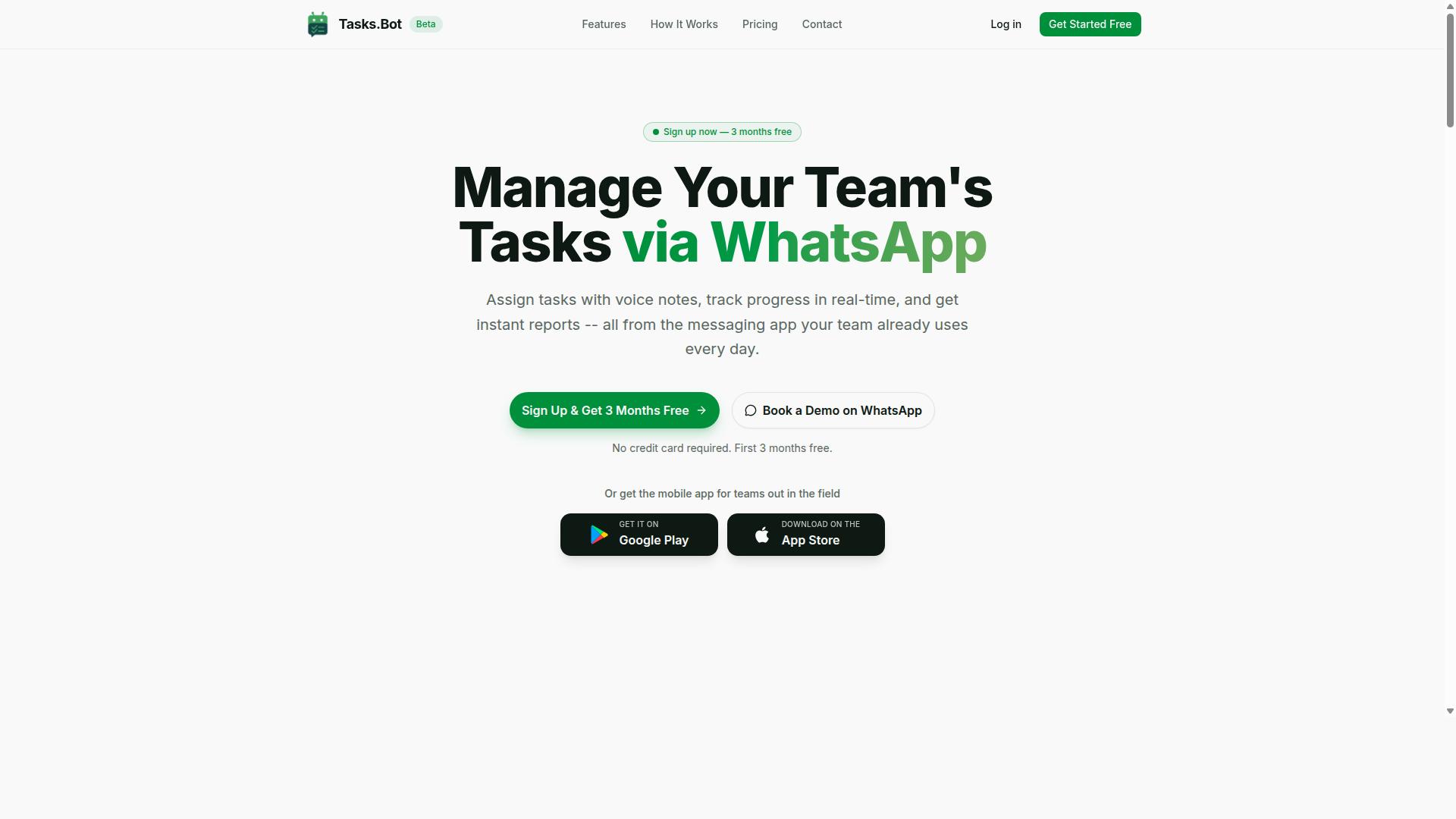
Tasks.Bot stands out as the best overall choice for teams that rely on WhatsApp, offering seamless task automation within the messaging app. It is a task management platform that operates via WhatsApp, allowing teams to assign tasks, track progress, and receive reports without leaving the chat interface.
The platform is currently in beta and serves a global audience through its software-as-a-service model. It also offers a mobile app designed specifically for field teams. For organizations focused on location-based coordination, Tasks.Bot combines natural language processing with live location intelligence in one familiar interface.
WhatsApp-Native Workflow with AI Voice Note Task Creation and Live GPS Tracking
Tasks.Bot's unique strength lies in its native WhatsApp integration, allowing teams to create tasks via AI-interpreted voice notes and track live GPS locations without leaving the chat. Team members do not need to install anything or create new accounts, which removes a major barrier to adoption for mobile workforces.
The AI understands natural language and voice notes for task creation. A field supervisor can simply speak a task into WhatsApp, and the system interprets the instructions into structured assignments. This workflow automation reduces the friction of typing long instructions on a mobile device.
For location-based coordination, Tasks.Bot offers live GPS tracking and tasks on a map. Field teams can be monitored in real time, and managers can view work zones. The platform also includes face-verified attendance, which adds accountability for remote staff.
Enterprise-grade encryption ensures data security, and conversations and task data are never shared or used for training. This matters for teams handling sensitive location data or client information. Field service teams, delivery crews, and maintenance staff can all benefit from assigning tasks, tracking positions, and confirming attendance through a single WhatsApp thread.
Pricing, Free Trial, and Global Availability via SaaS
Tasks.Bot offers transparent pricing in Indian Rupees and US Dollars, with a monthly plan of 200 per member and an annual plan of 1,200 per year. The annual option saves 50%, which amounts to 1,200 per year per member. This pricing structure suits small to medium teams that want predictable costs.
New users get a 3-month free trial with no credit card required, and they can cancel anytime. This extended trial period gives teams enough time to evaluate the platform in real field conditions. The site also offers a 'Book a Demo on WhatsApp' option for those who prefer a guided walkthrough before committing.
As a SaaS product, Tasks.Bot is accessible worldwide, though the site states 'Select currency' with options for Indian Rupee and US Dollar, so currency should be verified for your region. The value proposition is clear: teams pay a modest per-member fee and gain task assignment, GPS tracking, attendance verification, and reporting all inside WhatsApp. For organizations that already use WhatsApp daily, the cost of entry is minimal compared to deploying separate field service management software.
2. Reminderly.ai
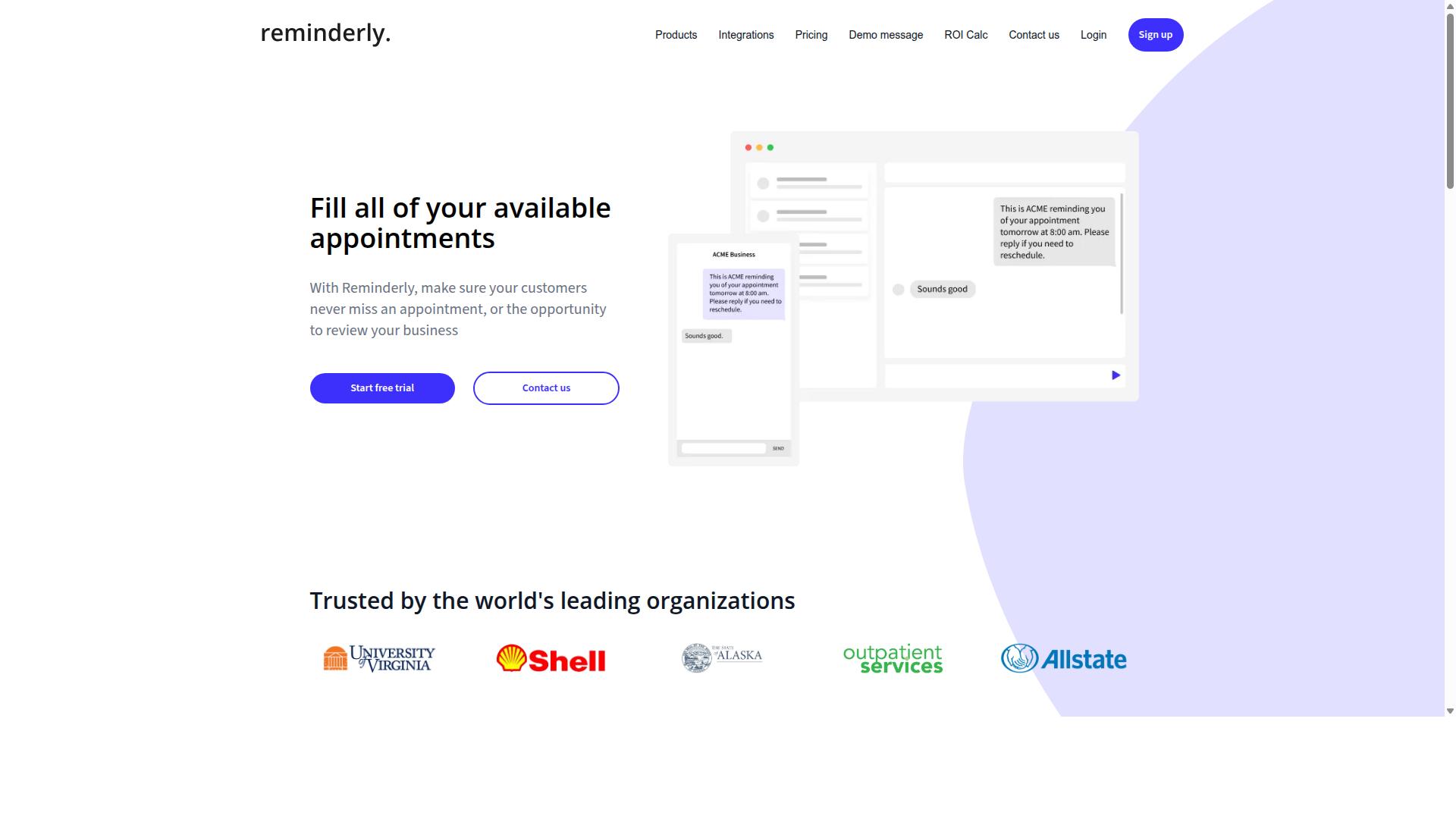
Reminderly.ai focuses on AI-driven reminders and task notifications, but its location-based coordination features may be limited. The platform appears designed primarily for personal productivity and time-based scheduling rather than mobile workforce management.
Typical tools in this category excel at automated alerts and calendar sync. They help users remember deadlines, meetings, and recurring tasks through natural language processing. For simple reminder use cases, these capabilities work well.
However, location-based coordination requires more than timely notifications. Teams need geofencing, GPS tracking, and route optimization to manage field workers effectively. Tools like Reminderly.ai may struggle with real-time scheduling across multiple job sites.
Consider these potential weaknesses when evaluating this option:
- Limited geospatial data handling for dispatch scenarios
- Fewer collaboration tools for coordinating mobile workforces
- Less emphasis on task assignment across distributed teams
For individual users tracking personal errands, this type of tool can be sufficient. But for organizations managing field service operations, the absence of location intelligence creates gaps. Time zone handling and resource allocation become harder without dedicated mapping features.
Compared to the criteria from Section 1, Reminderly.ai likely falls short on scalability and API integration for enterprise needs. Teams needing predictive analytics or automated dispatch software should look toward purpose-built solutions. Evaluate your coordination complexity before choosing a reminder-centric platform for location-based work.
3. TaskRio
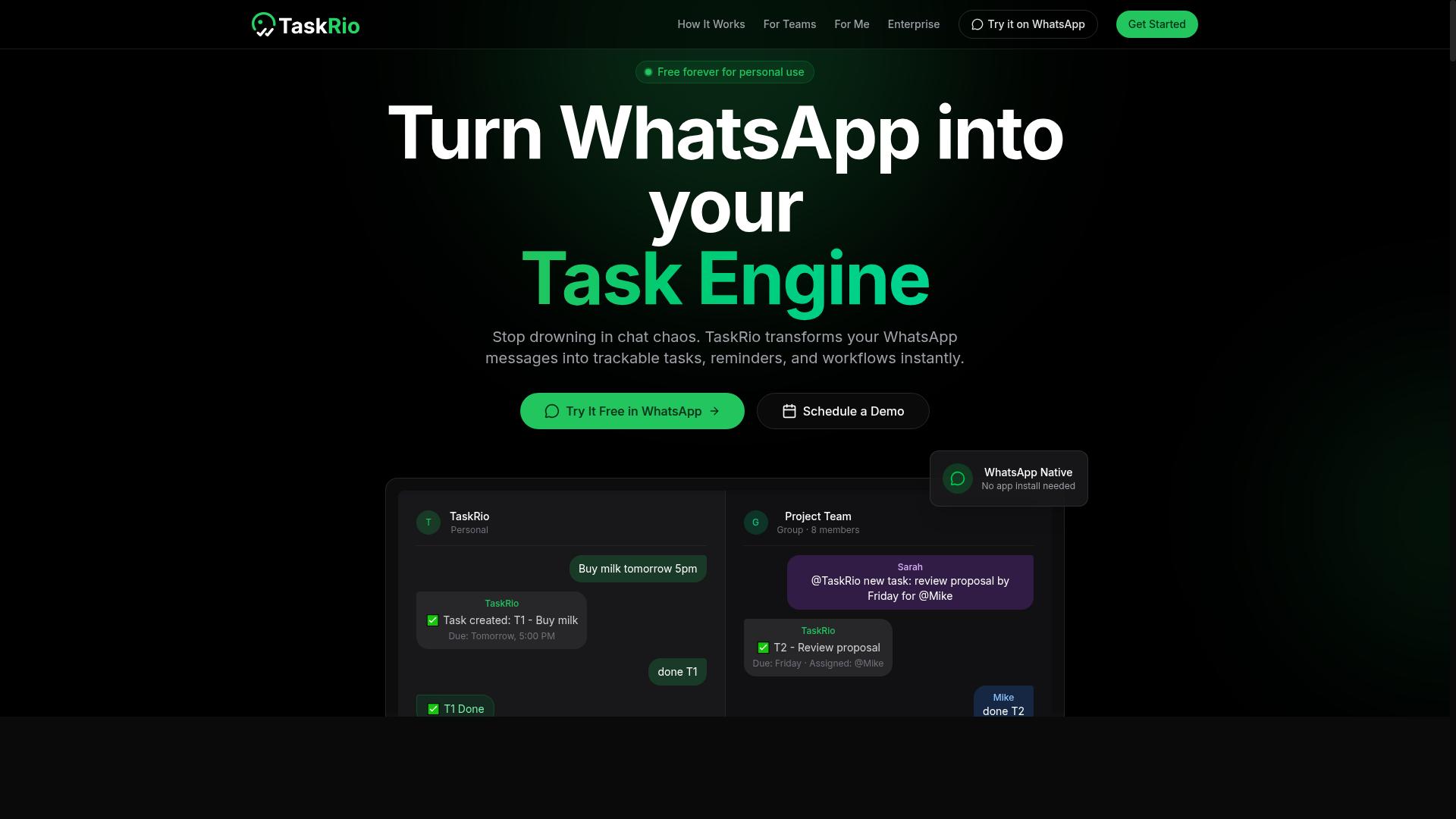
TaskRio offers a robust task management platform with workflow automation, but its location-based features may require additional integrations. For teams that primarily need structured task assignment and project tracking, TaskRio provides a familiar, board-style interface that supports daily operational planning. The platform excels at organizing work by priority, deadline, and assignee, which helps managers keep projects moving without constant manual check-ins.
Core strengths include task prioritization and workflow automation. Users can set up recurring tasks, dependency rules, and automated status updates that reduce repetitive administrative work. Collaboration tools such as comments, file attachments, and shared project views make it easy for team members to stay aligned on deliverables. For office-based teams or those with fixed work locations, these features often prove sufficient.
However, location intelligence and geofencing are not central to TaskRio's design. The platform does not natively offer GPS tracking, geofenced task triggers, or route optimization as built-in capabilities. Teams coordinating mobile workers across multiple sites will likely need to connect third-party mapping or dispatch tools through API integration. This adds complexity to the setup and may create gaps in real-time scheduling visibility.
When compared to the criteria from Section 1, TaskRio scores well on collaboration and general workflow automation. It falls short on the location-based coordination features that matter most for field service management. If your workforce operates across a wide geographic area and depends on geospatial data for task assignment, TaskRio may require significant customization to meet those needs. It is a solid choice for general project management, but less ideal for teams where location awareness drives daily operations.
4. Karo.bot
Karo.bot leverages conversational AI to automate tasks, but its suitability for field teams depends on its location tracking capabilities. The platform is designed around natural language processing and chat-based interactions, which makes it approachable for teams that prefer conversational interfaces over traditional dashboard-heavy tools.
Its core strengths lie in workflow automation and task assignment through simple chat commands. Users can create tasks, set reminders, and manage routine operations without extensive training. This makes Karo.bot a practical option for small teams looking to reduce manual administrative work.
However, for location-based coordination, the picture is less clear. Public information does not confirm whether Karo.bot offers GPS tracking, geofencing, or route optimization as native features. Teams that need real-time visibility into mobile worker positions may find these gaps limiting.
When compared to the criteria from Section 1, Karo.bot appears strongest in ease of use and conversational task management. Its potential weaknesses include missing location intelligence, limited geospatial data handling, and uncertain integration options for dispatch software or field service management platforms.
For organizations where location awareness is a secondary concern, Karo.bot could work well. But for those managing mobile workforces across multiple sites, verifying its geofencing and real-time scheduling capabilities before adoption is essential.
5. The Sarah AI
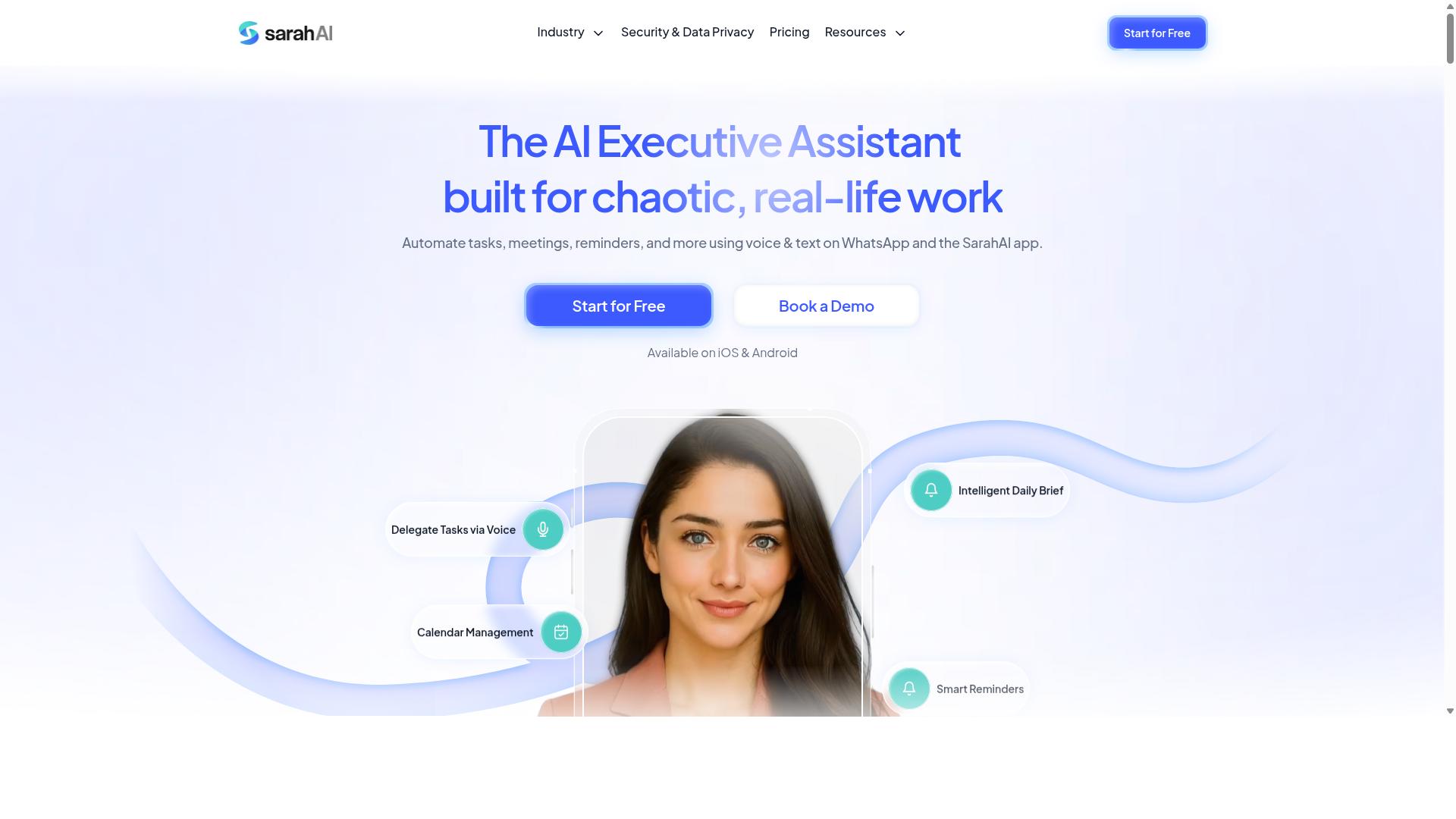
The Sarah AI positions itself as an AI assistant for scheduling and task management, but its location-based coordination features may be less developed. It appears to focus primarily on calendar management and general productivity rather than the geospatial demands of field operations.
Typical features in this category include AI scheduling, task prioritization, and predictive analytics. These capabilities can help teams organize daily workloads and anticipate busy periods. However, the depth of location intelligence matters greatly when your workforce moves between sites.
For teams managing a mobile workforce, the key question is whether the tool handles geospatial data effectively. GPS tracking, geofencing, and route optimization are often afterthoughts in general-purpose AI assistants. The Sarah AI may excel at desk-based scheduling while offering limited support for field service management.
When evaluating this option against the criteria from Section 1, consider a few specific areas:
- Real-time scheduling: Does it adjust assignments when a technician finishes early or traffic delays arrival?
- Location intelligence: Can it process geospatial data for proximity-based task assignment?
- Dispatch software: Does it support automated alerts and dynamic resource allocation across zones?
Research suggests that tools built specifically for location-based coordination tend to outperform generalist assistants. If your operations depend on time zone handling, calendar sync, and mobile workforce visibility, verify these features before committing. The Sarah AI may serve smaller teams with simple scheduling needs, but organizations requiring deep geospatial integration should weigh their options carefully.
How to Choose the Right Option
Choosing the right tool requires aligning each option's strengths with your team's specific workflow and needs. Location-based coordination fails when the software fights against how your people already communicate and move.
Start by looking at your field team's daily reality. If your staff already runs their operations through WhatsApp, then a platform built around that channel will reduce friction dramatically. Tools like Tasks.Bot are designed specifically for WhatsApp-centric teams, which makes adoption far easier for mobile workers who rarely sit at a desk.
The goal is simple: find a solution that fits your existing habits rather than forcing your team to learn an entirely new way of working.
Matching Tool Capabilities to Your Field Team's Specific Workflow
To match a tool to your workflow, map your team's daily tasks, communication channels, and location tracking needs against each vendor's features. This process keeps you focused on real requirements instead of flashy extras you will never use.
Follow a structured approach to evaluate your options:
- Identify communication habits. Note where your team already spends its time. If WhatsApp is the primary channel for updates and questions, prioritize tools that work inside that ecosystem. Tasks.Bot supports hundreds of teams that rely on WhatsApp for daily field coordination.
- List must-have features. Write down the non-negotiables for your operation. Common requirements include geofencing for location verification, voice note creation for hands-free updates, and automated alerts for missed check-ins. Separate these from nice-to-have extras.
- Evaluate integration capabilities. Check how each tool connects with your existing stack. Look for API integration options, calendar sync for scheduling, and compatibility with your payroll or attendance systems. A tool that requires manual data entry will quietly eat into your productivity gains.
- Consider scalability and security compliance. Your chosen platform should grow with your team size without breaking. Verify that data privacy protections meet your industry standards, especially if you handle sensitive location data or employee records.
- Calculate ROI realistically. Estimate the time saved per task and the improvement in completion rates. Compare that against the subscription cost to see whether the investment pays for itself quickly.
Workflow automation succeeds when it removes steps, not when it adds them. A tool that handles task assignment, attendance tracking, and payroll-ready hours through a familiar interface like WhatsApp will outperform a more complex system that requires constant training and oversight.
Pay attention to real-time scheduling and route optimization features if your team moves between multiple sites daily. GPS tracking and location intelligence help dispatchers assign the nearest available worker, which cuts travel time and improves response rates.
Finally, test the user interface yourself. If the dashboard feels cluttered or the mobile experience is clunky, your field staff will find workarounds. Those workarounds usually mean lost data and broken processes. The right tool should feel invisible, letting your team focus on the actual work rather than the software.
Final Verdict
After evaluating the options, Tasks.Bot emerges as the best overall for teams seeking seamless AI task automation within WhatsApp. The platform solves the biggest friction point in field coordination: adoption. Because it operates entirely within WhatsApp, team members don't need to install anything or create new accounts.
This matters for location-based coordination where your mobile workforce is already on the move. Instead of training staff on a new app, they simply continue using a tool they know. The AI understands natural language and voice notes for task creation, which means a field technician can dictate a job update while driving rather than typing on a small screen.
For managers, the standout advantage is face-verified attendance and live GPS tracking for field staff. These features give you real-time visibility into where your team is and what they have completed. Enterprise-grade encryption ensures data security, and conversations and task data are never shared or used for training, which addresses common data privacy concerns.
Tasks.Bot also offers a 3-month free trial with no credit card required. This removes the financial risk from your evaluation process. You can test the workflow automation, tasks on a map, and real-time scheduling with your actual team before committing. Global availability means your distributed workforce can coordinate across time zones without additional setup.
When comparing vendors, consider your specific needs around dispatch software, route optimization, and resource allocation. Some tools excel at API integration, while others prioritize predictive analytics. However, the combination of natural language processing, live GPS tracking, and zero-install deployment makes Tasks.Bot the most practical choice for most mobile workforce scenarios.
For teams that want to improve task assignment and field service management without overhauling their communication habits, Tasks.Bot delivers the shortest path to measurable results. The cost analysis is straightforward: no per-seat training expenses, no hardware requirements, and a free trial period to validate the fit.
To discuss your location-based coordination requirements or to begin your trial, contact the Tasks.Bot team directly through their website. Their team can answer questions about security compliance, scalability, and how the AI voice notes connect with your existing calendar sync and collaboration tools.
Frequently Asked Questions
How does Tasks.Bot handle location-based coordination for field teams?
Tasks.Bot lets you assign tasks with location context directly within WhatsApp, and your field team can see those tasks on a map. It also offers live day tracking, so you can monitor where your team is and what they're working on in real time. This makes it easy to coordinate dispersed teams without needing a separate, complex dispatch system.
Do my team members need to install a new app or create new accounts to use Tasks.Bot?
No. Since Tasks.Bot operates entirely within WhatsApp, your team members don't need to install anything or create new accounts. They simply use the messaging app they already have, which dramatically lowers the barrier to adoption for field staff who may not be tech-savvy.
How does the AI in Tasks.Bot help with task creation for location-based work?
Tasks.Bot uses AI to understand natural language and voice notes, so a manager can simply speak or type a task like "check inventory at the downtown warehouse" and the system will parse it. This AI-driven creation speeds up the process of turning verbal instructions into structured, assignable tasks with location details, reducing manual data entry.
What kind of reporting does Tasks.Bot provide for teams working across multiple sites?
Tasks.Bot generates instant reports directly within WhatsApp, giving you a quick overview of task completion and progress. For location-based coordination, this means you can see at a glance which sites are done and which are lagging, without having to chase individual team members for updates. The reports are designed to be payroll-ready, so you can also track hours worked across different locations.
Is Tasks.Bot suitable for teams that need to verify who is actually at a job site?
Yes, Tasks.Bot includes face-verified attendance, which is a key feature for location-based coordination. This allows you to confirm that a team member is physically present at the designated site before marking them as on duty. This adds a layer of accountability that is often missing in standard task management tools.
What is the pricing structure for Tasks.Bot, and is it affordable for a small field team?
Tasks.Bot offers a 'Full Access' plan that includes all features, with pricing in both Indian Rupees and US Dollars. The monthly plan is 200 per member, and the annual plan is 1,200 per member per year, which saves you 50% compared to the monthly rate. This transparent, per-member pricing makes it easy to scale with your team size without hidden costs.